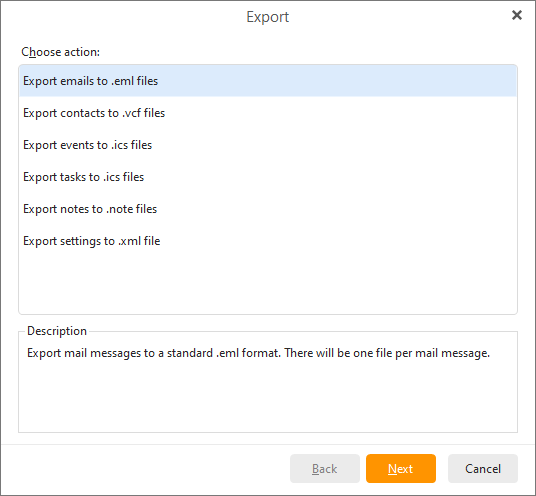
To export your emails from the application to .eml files, click on Menu ->File -> Export in the main menu and the following window will appear:
Choose the Export to .eml files option and click Next>.
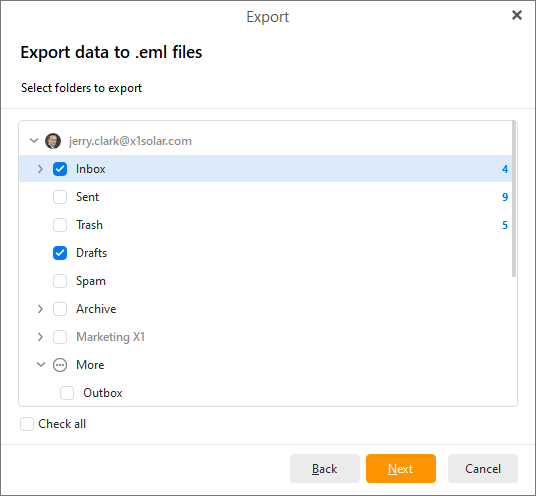
Check all the items you want to export and click Next>.
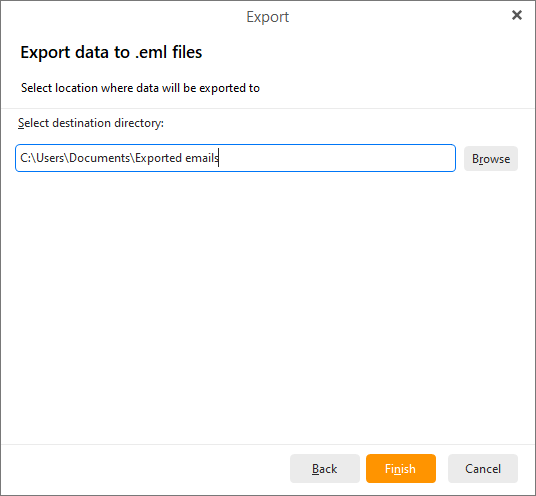
You can change the default location to save the exported .eml files by clicking the Browse button and select the desired destination directory. Click Finish to finish exporting your email contents.